


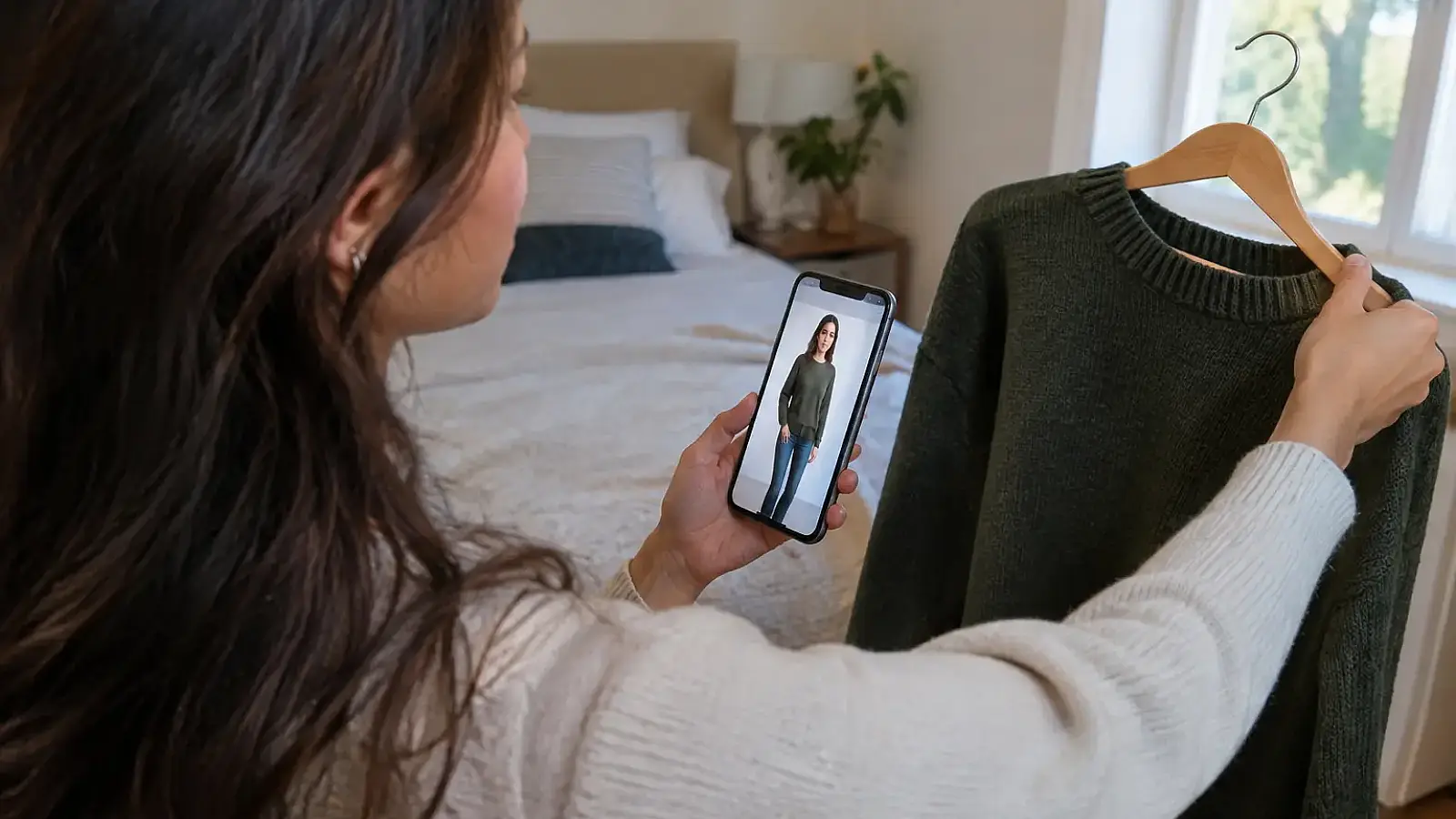
ChatGPT virtual try-on brings fitting-room previews into the chat
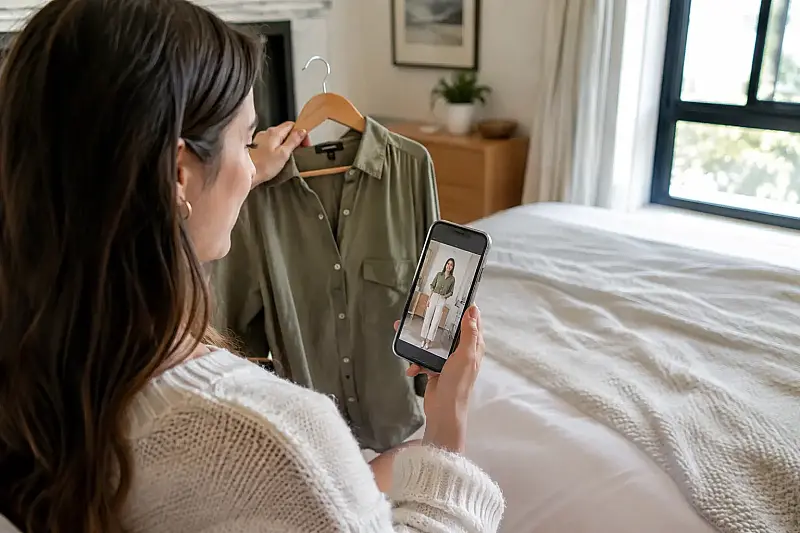
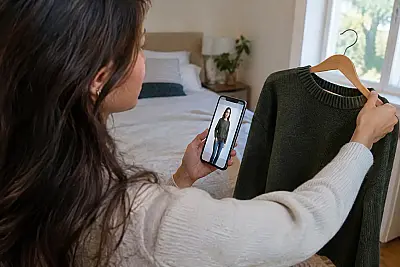
ChatGPT virtual try-on gives shoppers a new way to preview clothes and accessories: upload or take a selfie, then use a button on eligible product listings to generate an image of how an item might look on you. OpenAI announced the feature on October 1, 2026, alongside a way to save products for later. It is available on ChatGPT’s web and mobile versions, according to the company.
The idea is straightforward, but it changes the role an AI assistant can play in shopping. Instead of stopping at product descriptions and recommendations, ChatGPT can now help users picture a purchase on themselves. That may make browsing more personal—and puts a visual try-on tool inside a chat interface many people already use.



How ChatGPT virtual try-on works
On a clothing or accessory listing, users can select “Try on” and take or upload a selfie. ChatGPT then uses its image-generation feature to create a virtual preview. OpenAI says the reference photo is saved for future try-ons. Users can change or delete it in Settings under Personalization and Reference photos.
The feature is not described as a live camera fitting or a guarantee of how an item will look in person. It creates a generated preview from a reference image. That distinction matters: fit, fabric, color and appearance can differ from a digital image, so shoppers should still check product details and seller information before buying.
OpenAI has not provided a full explanation in its release notes of which product listings will include the button, how broadly the tool is rolling out, or how accurately it represents sizing. The company’s announcement establishes the basic workflow, but leaves those practical questions open.
Saved finds add a second shopping feature
Alongside virtual try-on, users can save products to Favorites or organize them into folders in their ChatGPT Library. That gives shoppers a way to keep track of items while comparing options, rather than relying on a long chat history or separate notes.
The combination suggests a simple shopping loop: discover an item, preview it, and save it for consideration. OpenAI’s announcement does not say that the feature completes a purchase inside ChatGPT, or that every product shown can be tried on. For now, the announced tools focus on visualization and organizing finds.
For consumers, the appeal is convenience. A person can explore clothes and accessories, ask questions in the same interface, and use a selfie-based preview without opening a separate virtual-fitting app. But it remains a visual aid, not a substitute for a size chart, return policy or trying a garment on in person.
A move from answers toward shopping assistance
The launch extends ChatGPT’s use from answering questions into helping with a consumer task that often involves browsing and comparing. It also highlights how image generation is moving beyond standalone creative prompts and into practical features built around everyday decisions.
That shift creates a different test for AI: not only whether it can produce a convincing image, but whether the image is useful enough to help someone make a better choice. A polished preview may be engaging, but shoppers will want clarity about how the generated image relates to the real product.

OpenAI’s announcement leaves the most important measure for users to discover: whether the preview helps them judge an item more confidently. ChatGPT virtual try-on makes online browsing more visual and personal, while its value will depend on how well those previews match what arrives at the door.
Source: OpenAI Help Center — help.openai.com/en/articles/6825453-chatgpt-release-notes





Comments
0 comment